
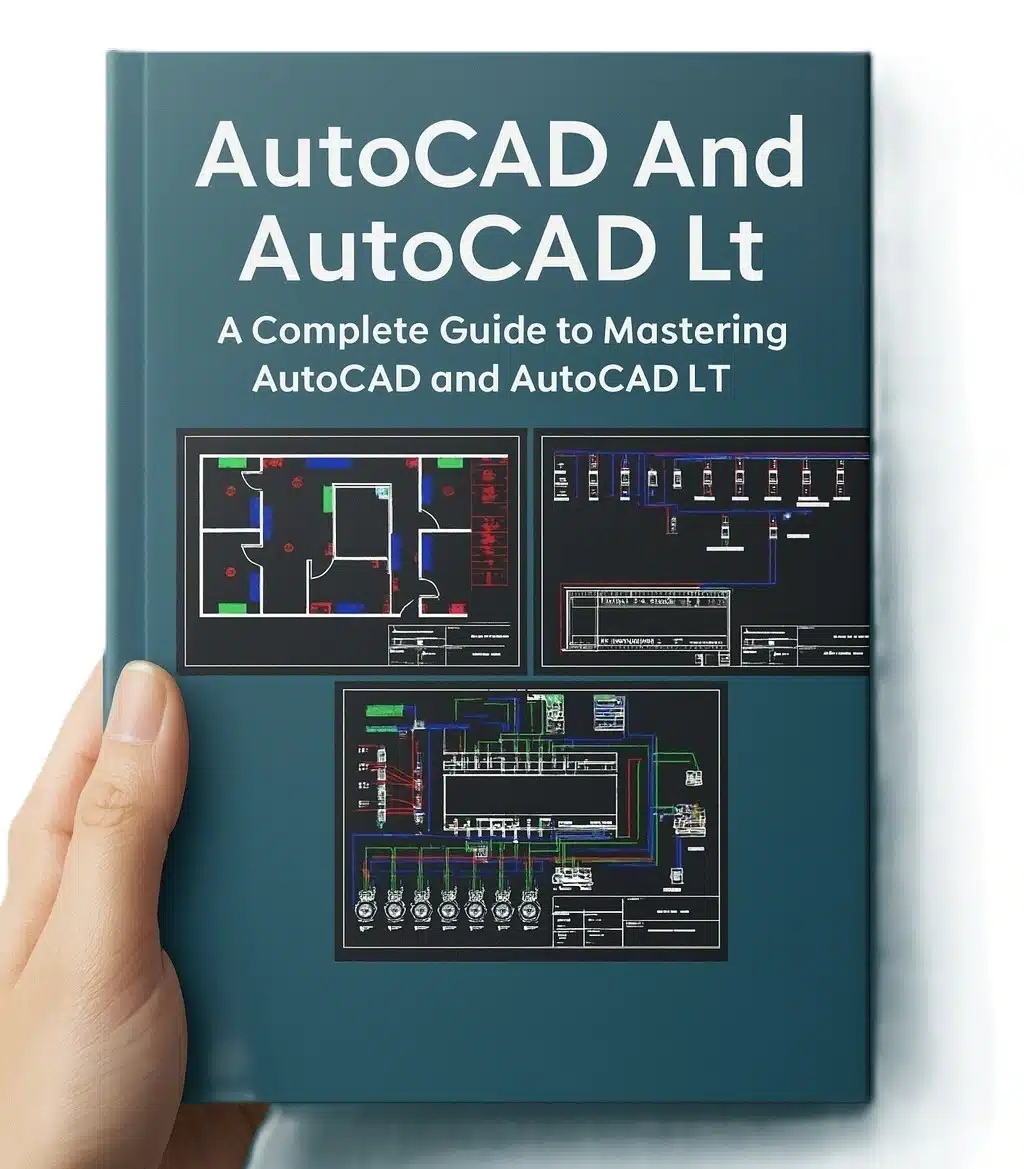
AutoCAD Beginners Guide 2D and 3D Drawings
Are you ready to transform your ideas into professional, precise technical drawings? The AutoCAD Beginners Guide to 2D and 3D Drawings is your definitive, step-by-step training manual for mastering the world’s leading Computer-Aided Design (CAD) software.
Master Design: AutoCAD Beginners Guide to 2D and 3D Drawings (Free PDF) 📐
Designed specifically for beginners, students, and professionals transitioning to AutoCAD, this comprehensive guide unlocks the fundamental skills needed to create, organize, and present high-quality 2D floor plans, architectural drawings, mechanical parts, and realistic 3D models. Stop struggling with complex interfaces and start designing with confidence!
What the AutoCAD Beginners Guide Covers

This powerful guide features an illustrative teaching approach across 17 detailed chapters, ensuring a complete and practical learning experience.
From Basic Commands to Advanced Modeling:
- Getting Started (Ch 1-2): Learn to navigate the AutoCAD user interface, understand the Model and Paper Space workspaces, and master the basic drawing commands (Line, Circle, Arc, Polyline) and essential shortcuts.
- Precision and Organization (Ch 3-7): Crucial techniques for accuracy and efficiency:
- Drawing Setup: Correctly setting up units, scales, and templates.
- Layers: Utilizing layers to organize drawings (e.g., Walls, Electrical, Dimensions) for better clarity and management.
- Blocks: Combining objects into reusable blocks and Dynamic Blocks to streamline workflow and keep file sizes small.
- Object Snaps (Osnaps): Ensuring precise placement and alignment of all geometric entities.
- Annotation and Documentation (Ch 8, 12-13): Producing professional, ready-to-print documents:
- Dimensioning: Applying standard and advanced dimensioning techniques to drawings.
- Text and Tables: Controlling text styles, adding annotations, and using data tables.
- External References (XREFs): Efficiently managing and integrating multiple drawings into one master file.
- 3D Modeling Fundamentals: Transitioning from 2D sketches to 3D solid modeling. Learn key 3D commands like Extrude, Revolve, and Sweep to create detailed geometric shapes and complex assemblies.
- Visualization and Presentation: Techniques for applying materials, creating elevations, and using rendering to produce realistic visualizations of your final 3D models.
How to Benefit from This Essential CAD Training

This guide provides the knowledge and practice you need to become an effective CAD user, accelerating your career in multiple fields:
- For Architecture and Civil Engineering: Learn to produce precise floor plans, elevations, and site layouts quickly and accurately.
- For Mechanical and Product Design: Master solid modeling to design components, assemblies, and detailed technical drawings for manufacturing.
- For Electrical and MEP: Efficiently use layers and blocks to draft detailed electrical distribution layouts, plumbing schematics, and HVAC ductwork plans.
Key Features
The AutoCAD Beginners Guide is structured around the most common and critical search queries used by CAD learners, making it a high-ranking resource:
| Feature | Advantage & Targeting |
| Comprehensive Scope | Targets high-volume keywords: “AutoCAD 2D and 3D,” “AutoCAD Beginner Tutorial,” and “Learn AutoCAD Commands.” |
| Step-by-Step Approach | Satisfies user intent for “how-to” and “training” queries with clear, structured instructions. |
| Focus on Efficiency | Includes key professional topics like “AutoCAD Layers,” “Dynamic Blocks,” and “Dimensioning,” attracting users seeking practical skills. |
| Illustrative Learning | The wealth of illustrations and examples increases user engagement and positions the content as a superior learning resource. |
Start Your Design Career: Get the AutoCAD Guide for FREE!
AutoCAD proficiency is the baseline requirement for thousands of engineering, design, and construction jobs worldwide. Don’t pay for expensive courses; gain this foundational skill right now.
We are offering the AutoCAD Beginners Guide to 2D and 3D Drawings PDF as a FREE download, making professional CAD training accessible to everyone.
➡️ Click Here to Download Your FREE AutoCAD Guide and Start Designing!
Suggested Books to Advance Your Engineering Skills
- Revit MEP Design Guide: Move to Building Information Modeling (BIM) for mechanical, electrical, and plumbing projects.
- Engineering Drawing and Drafting Standards: Enhance your drafting quality and adherence to global technical standards.
- 3D Solid Modeling Techniques: A resource dedicated to advanced 3D modeling, surfacing, and rendering skills beyond the introductory level.
Download Link First comment on the site

Good book!
I love this books